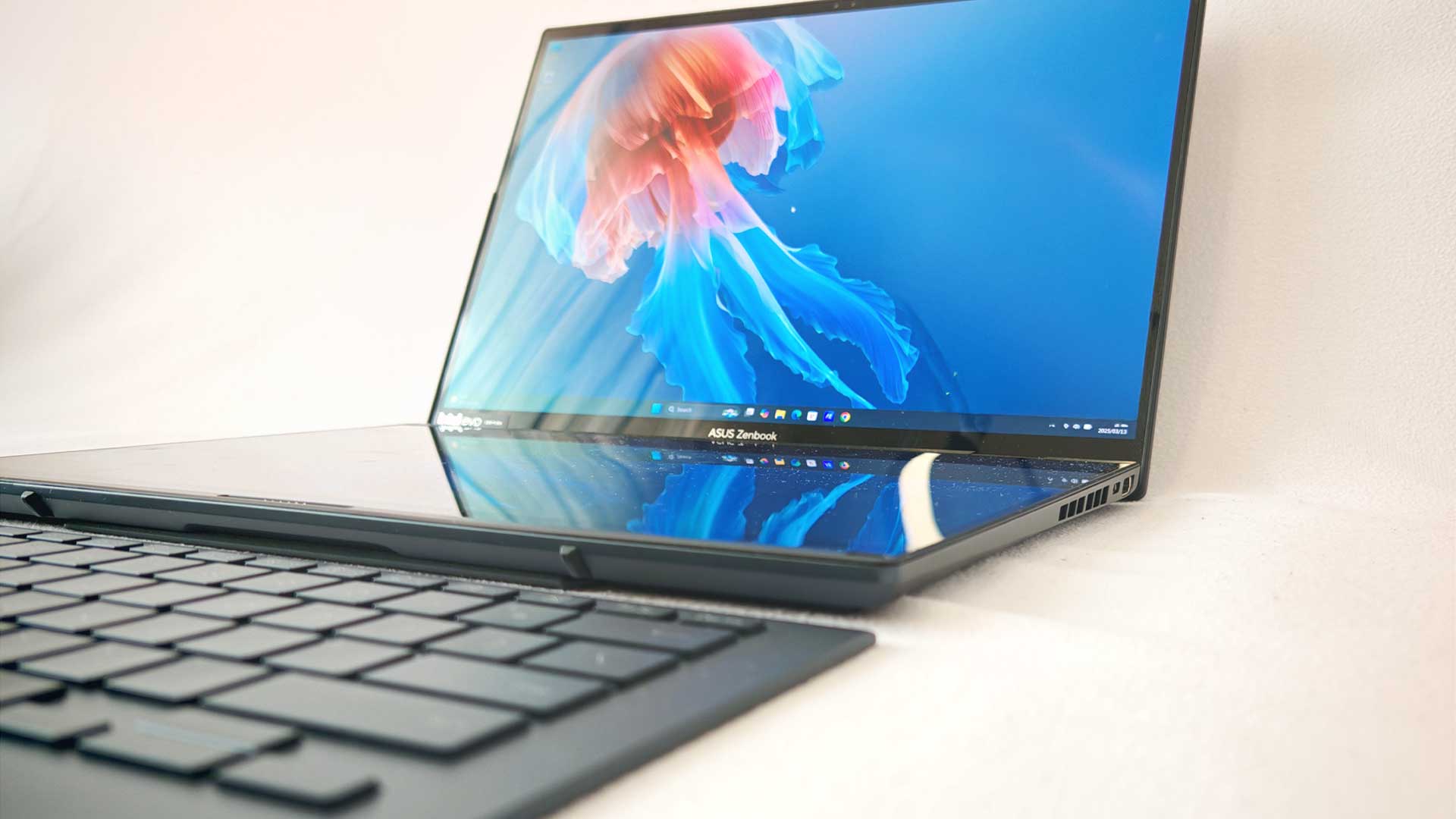


ASUS has a wide range of computer hardware for consumers and businesses. While some are more practical for everyday use, there are great options, even for niche requirements. One such option for the latter is the ASUS Zenbook Duo. Having been around for the past five or six years now in different forms, the series has become more refined over the years. Now in its third iteration with two fully sized displays, the Zenbook Duo (2025) UX8406CA has much to offer users. But is it worth the upgrade for those who already own previous iterations?
ASUS Zenbook Duo (2025) Build and Design
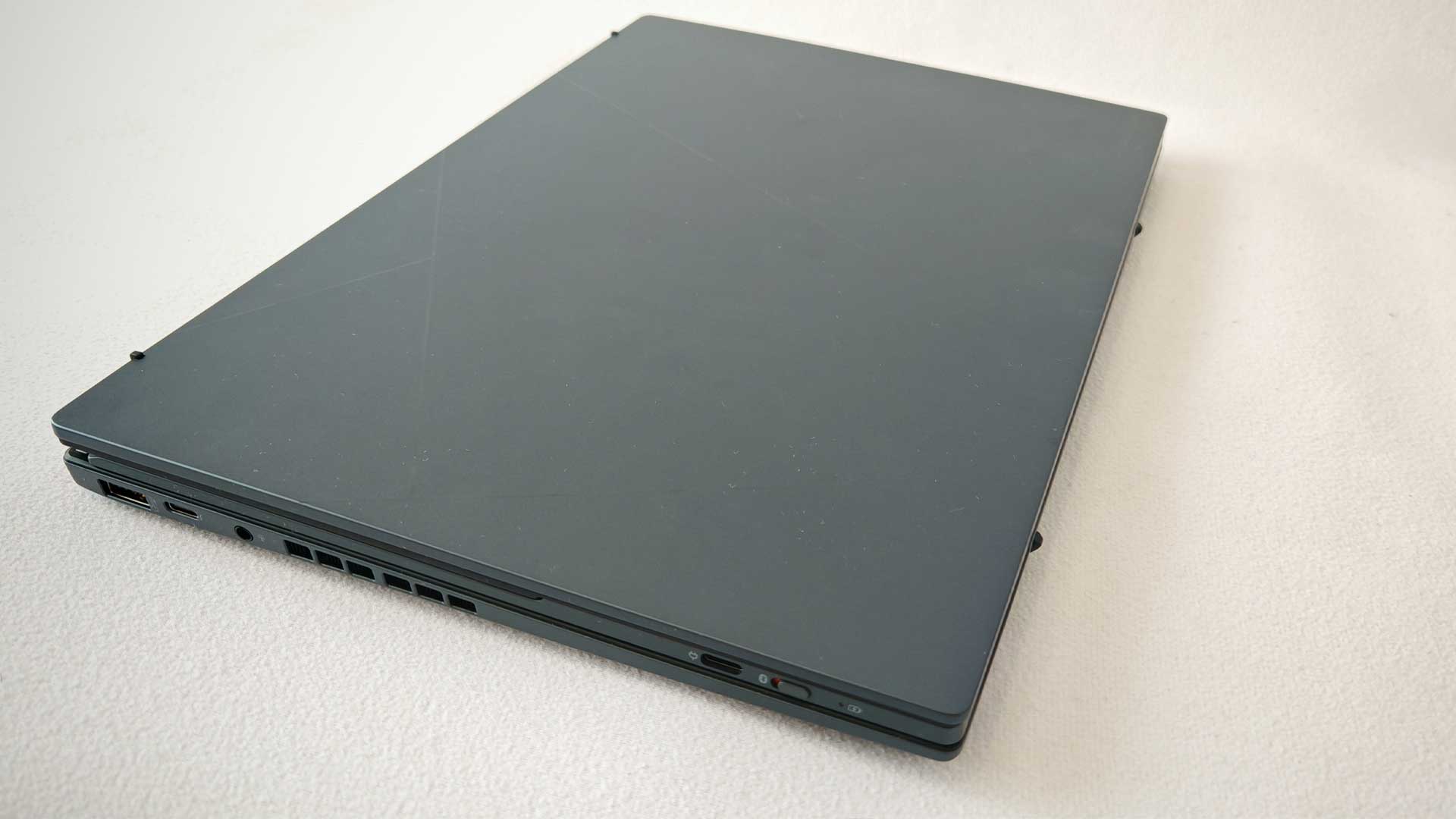
Year-on-year, not much has changed regarding the design and build of the Duo for the 2025 iteration. Comparing side by side, the dimensions are roughly 0.1mm different:
- Zenbook Duo (2024) – 313x217x19.9mm (keyboard) and 313x217x14.6mm (no keyboard)
- Zenbook Duo (2025) – 313x218x19.8mm (keyboard) and 313x218x14.5mm (no keyboard)
However, it’s worth pointing out that the design was solid, and not much need to change. Many of the changes come from the hardware, like the CPU and OLED screen, but the military-grade build of the Duo makes for a very durable product, even with the dual-screen approach.
What’s still impressive is how it all fits together. Yes, the overall thickness is higher than that of a conventional laptop with the keyboard intact, but it’s very thin when switching to dual-screen mode. This leads to one of the only downsides of the laptop, in that it runs slightly warmer. It’s not bad enough to be unusable, but it is noticeable and understandable. Packing all the internals into a much thinner build behind the two screens is excellent work, even with a slightly higher operating temperature.
If there is one aspect that ASUS hasn’t yet addressed, it’s the lack of ports. It includes a single USB 3.2 Type-A and two Thunderbolt 4 Type-C ports, a single HDMI 2.1 port and a 3.5mm combo audio jack. That’s just three USB ports, which isn’t great for creatives who often require multiple drives to work from. Having to use an adapter myself, which includes additional USB and HDMI ports, users can extend the number of ports with sufficient power, but shouldn’t need to, given the cost of the Duo.
Plenty of murmurs about the Duo’s weight and the dual screen’s position have also occurred. However, this shouldn’t be an issue with the tools you’ve been provided with. With an extra screen attached at less than 500g in increased weight, that’s much better than having to lug around a whole monitor. Secondly, the two screens stacked atop each other when in use aren’t the optimal orientation for most users. However, this is my standard setup at home (with a side-by-side setup at the office), so it comes down to personal preference. You could use the device in portrait mode with the two screens next to one another, but it doesn’t read as well.
Screen and Display
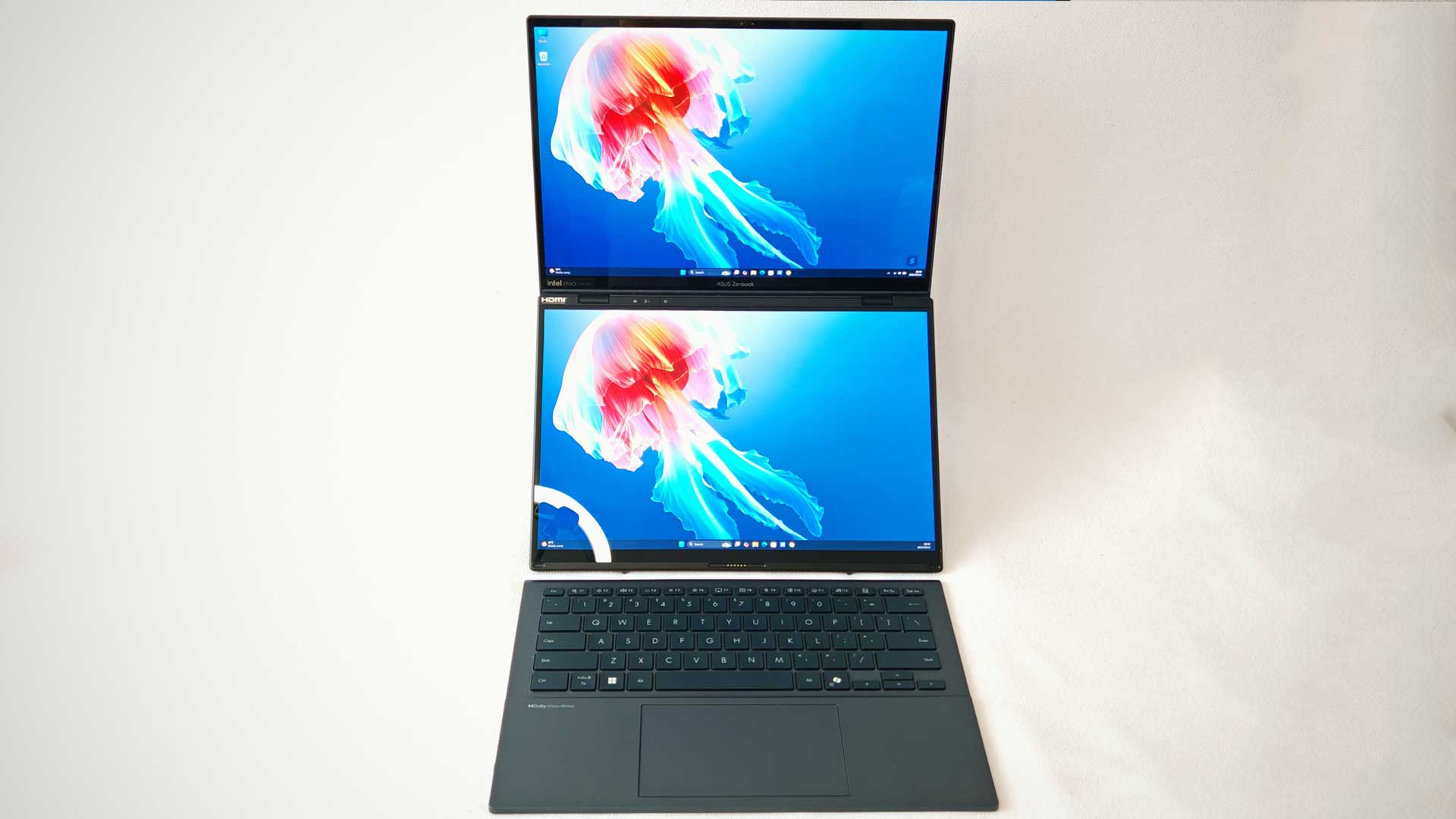
ASUS has glued two 14” 3K OLED displays together and made it work. It may not seem like it at first glance, given that the previous screen had the exact dimensions, but the ASUS engineers have made many improvements on both screens.
The first upgrade of note has been the increased DCI-P3 colour gamut. It may not seem like there’s much to write home about here as a layperson, but having increased from 80.5% on the 2024 iteration to 86.3% on the 2025 model, that’s a great leap. And the results of the visuals will be appreciated by the design community.
Both screens still feature a 120Hz refresh rate, 2,880×1,800px resolution and a listed 500 nits peak brightness. However, the latter comes with an asterisk, as most tests reveal around 350 nits on average. Surprisingly, this is slightly down on last year’s model by about 10%. It may have something to do with the upgraded colour palette. I did not wish for additional brightness during the review period. I generally run a below-average brightness running Windows in dark mode until required for testing or gaming.
Regardless of all the testing and on-paper specifications, the screens look fantastic. The brilliance of the bright colours and deep blacks
ASUS Zenbook Duo (2025) Performance and Battery Life
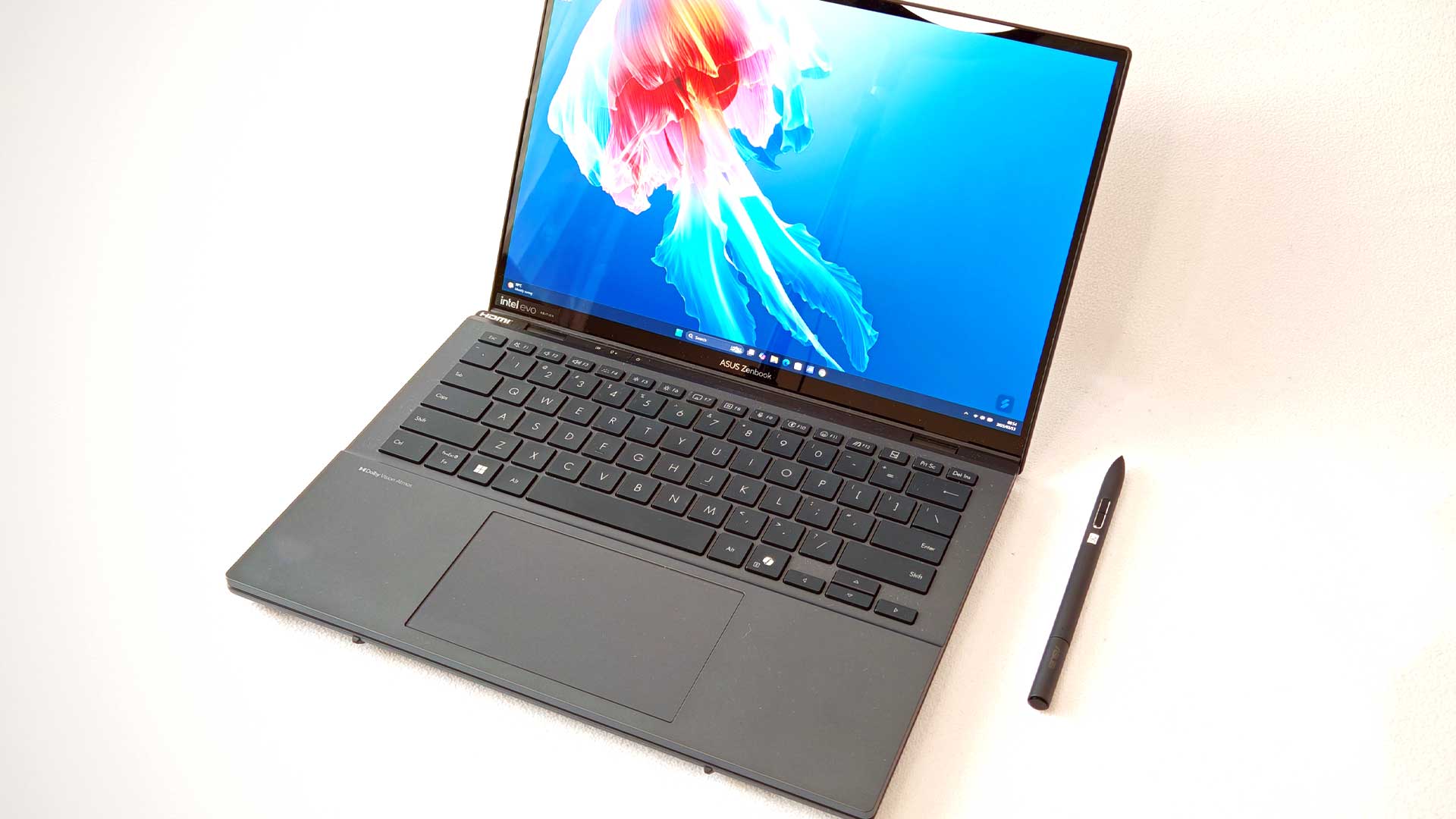
ASUS has added several variations for the hardware build, which include up to an Intel Core Ultra 9 285H CPU, up to 32GB LPDDR5x RAM and up to 1TB PCIe Gen 4 internal storage.
These specifications are more than sufficient to meet any workload. Upgrading the hardware over the previous model has seen an increase of roughly 20% in performance scores across benchmark tests, which is great for prospective buyers.
The performances were a clear improvement year-on-year. At times, when putting the laptop to sleep using the Start Menu (not closing the lid), it would turn itself back on when I lifted the mouse to turn it off, resulting in it going into sleep mode much quicker than I can perform this task. (Having had several issues with Windows sleep mode lately, I prefer to manually put it to sleep, as the closed lid isn’t a guarantee – a known issue of late).
Additionally, multitasking with plenty of open tabs, running video in the background, and working on a few Excel documents didn’t add any detail to the performance. Even opening additional documents proceeded with the same level of efficiency as it initially did, so all the stress testing didn’t do much to hinder my productivity.
If there is one aspect of the new iteration of the ASUS Zenbook Duo, it is its reduced battery life. With all the performance gains and improved screen, it would make sense to affect the battery somewhat, especially if the same configuration was used. However, you’d expect ASUS to have countered this with a higher-capacity battery. But, alas. Overall, the uptime is down between 10 and 20%, which is a drop of an hour or two under normal load. On the 2024 iteration, I could eke out an impressive eight or nine hours of usage at the office after forgetting to plug in my charger. This time around, however, even with less time at the office, I couldn’t produce the same results.
That said, the Zenbook can charge using the Type-C port, which is convenient. While this isn’t a standout on its own, with most modern laptops offering this via the Thunderbolt USB ports, many of these lack the draw capable of performing a fast enough recharge while in use. The Duo doesn’t have this same issue, being able to draw a higher wattage for charging, which doesn’t take half the day.
Is It Worth Upgrading to the ASUS Zenbook Duo (2025)?
Undoubtedly, the ASUS Zenbook Duo (2025) UX8406CA has several improvements over previous models. Its already beautiful OLED panel has been improved with better visuals and a noticeable bump in overall performance. There’s a lot to love about the latest iteration. That said, if you’re looking for a unit that keeps its charge for an entire workday, you may not be a big fan. However, with its Type-C Thunderbolt charging support, you could power the device using your smartphone charger via a power bank. At a recommended retail price of R43,999, it saw an increase of R1,000 over the previous model at launch. That’s not an alarming increase, all things considered. However, it’s still pricey for the average user. If you’re in the market for a dual-screen laptop, the Zenbook Duo is the best available, with a well-built chassis, great OLED panels, and performance that matches.
The Review
ASUS Zenbook Duo (2025)
The ASUS Zenbook Duo (2025) has been improved in several ways, including its enhanced OLED panels and better hardware specifications. It’s a great companion for power users on the go, where having a second screen is critical to your work efficiency. However, its high price and lower battery performance may not be for everyone.
PROS
- 4K OLED dual screen
- Great battery life
- Sleek design
- Touchscreen with included stylus
CONS
- Still pricey after three iterations
- Weaker battery performance